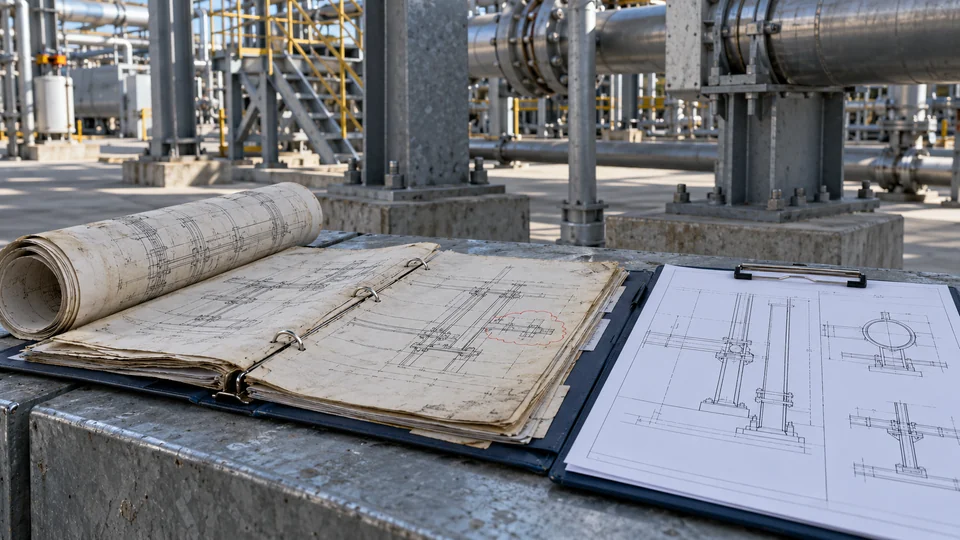
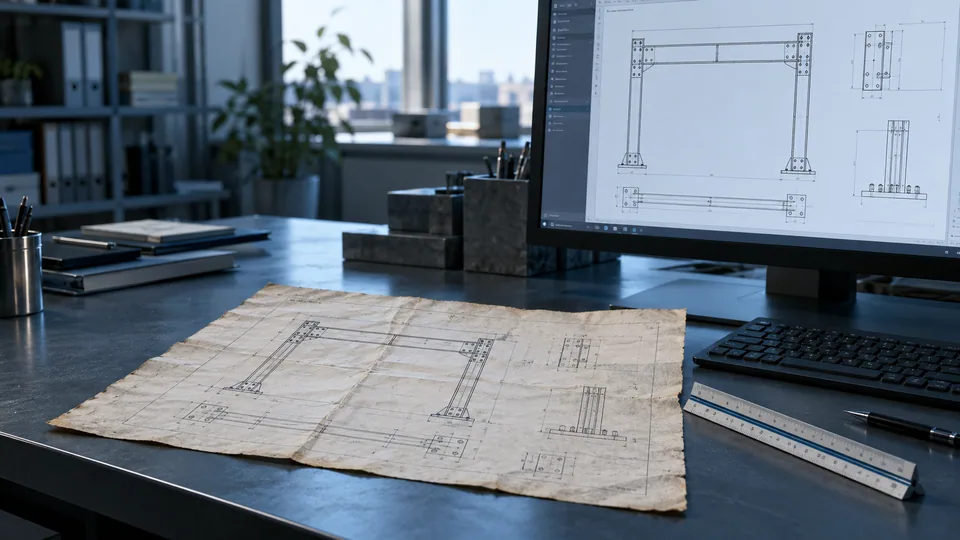
An old engineering drawing can still contain useful information. The question is whether that information is suitable for the next task. A legible scan may be enough to locate a historical arrangement. It may be inadequate for revising a fabrication detail, coordinating a modification or issuing an editable drawing package.
Start with the intended use
Before converting anything, state what the drawing must support. An archive reference, a quotation, a layout study and a controlled fabrication issue have different information needs. They also require different levels of confidence in dimensions, revisions and interfaces.
Ask who will use the output, which files they require and what decisions they will make from it. Confirm whether the task is to reproduce existing information, introduce agreed changes or develop a new design. Those are different scopes. Treating them as one conversion task hides responsibility and makes checking harder.
For example, a maintenance team may need a readable reference to identify equipment locations. A fabricator may need coordinated views, explicit dimensions, material information and a controlled issue status. The same scan might contribute to both tasks, but it cannot be assumed to satisfy both without further work.

Identify what the source actually contains
Not every PDF contains the same kind of information. A raster scan stores pixels. A vector PDF may contain lines and text that can be imported, but the imported result still needs assessment. An original CAD file may preserve editable entities while carrying outdated references, inconsistent units or unresolved revisions.
Autodesk's PDF import guidance distinguishes raster information from importable vector data. Its vectorisation tutorial describes tools for converting raster geometry into CAD entities. Neither process removes the need to check the engineering information.
Review the source set before choosing a method:
- Are the drawing number, revision and issue date readable?
- Do all necessary sheets, views and referenced details exist?
- Are dimensions and notes legible, including small symbols?
- Is there evidence of distortion, cropping or missing information?
- Do separate drawings agree on key dimensions and interfaces?
- Are handwritten changes clearly identified and authorised?
- Is an original CAD file available, including its external references?
Record gaps at this stage. A missing dimension is an information request, not permission to infer a final value from the appearance of the scan.
Choose a proportionate reconstruction route
There is no need to rebuild every historical sheet simply because it is old. Match the method to the task and the quality of the inputs.
Keep a controlled reference when the source is readable and only historical context is needed. Preserve its origin and status so a reader does not mistake it for a current issued drawing.
Update existing CAD when usable native files exist and the required changes can be defined. Check references, units, layers and revision history before editing. An editable file is not necessarily a trustworthy file.
Reconstruct into CAD when the available source cannot support the agreed editable output. Rebuild geometry, annotations and document structure as required, then check them against the available evidence.
Verify conditions first when the next task depends on geometry or interfaces that the records cannot substantiate. Reconstruction and As-Built Services can be complementary, but they solve different information problems.
Separate recorded dimensions from inferred geometry
An explicit dimension, a scaled measurement from a scan and a site measurement have different evidential value. Keep that distinction visible during reconstruction.
A scanned sheet can be stretched, photographed at an angle or reproduced at a different scale. Tracing its linework may create a neat drawing while retaining the original distortion. If two dimensions conflict, making the lines fit one of them does not resolve the conflict.
Use a checking plan appropriate to the scope. Identify control dimensions, compare related views and flag unresolved values. Confirm how uncertainty will be shown in the working output and who must resolve it before the drawing is used for its intended purpose. Do not silently replace an unclear value with a plausible-looking one.
Rebuild the document controls as well as the linework
Useful reconstruction includes more than geometry. Drawing identifiers, revision descriptions, units, view references, notes and issue status help the next person understand the information.
Agree the output conventions at the start: file formats, naming, layers, sheet arrangement and any client template. Confirm which historical details will be reproduced, which changes are authorised and how superseded references will be retained.
Keep a source register or equivalent record showing what was used. Record information requests and decisions. At issue, distinguish reproduced information from verified changes. A clean title block must not imply that an unverified drawing has become an approved construction or fabrication document.
An illustrative decision
Imagine a generic access-platform arrangement held as a scan. The overall dimensions are readable, but the connection detail is missing and a later handwritten note changes the support position.
If the task is an archive inventory, a controlled scan and a note about the missing information may be sufficient. If the task is an editable coordination drawing, reconstruction may be appropriate, with the missing connection and support position identified as unresolved inputs. If a modification depends on the actual support location, that interface needs verification before relying on the reconstructed arrangement.
This is an educational example, not a DynaStruct client project or a fabrication instruction. Its purpose is to show why intended use determines the reconstruction scope.
Information to prepare before requesting support
- State the intended use and required output formats.
- Supply the complete available drawing set and native files where possible.
- Identify the current accepted revision and any known superseded information.
- Highlight missing sheets, unclear dimensions and conflicting changes.
- Explain whether site verification has occurred and what it covered.
- Identify the person responsible for resolving technical questions and approving issue.
- State required timing without assuming that incomplete inputs can be resolved immediately.
These inputs make a scope discussion more useful. They help separate document recovery, design development and site verification rather than burying all three inside a request to “convert the drawings”.
A clear drawing is only one part of a reliable output
The value of reconstruction is a usable, traceable drawing package suited to the agreed task. Clarity, editable geometry and consistent document controls are useful outcomes. Confidence also depends on the quality of the source and the checks actually performed.
Read Drawing Reconstruction for the service context, or As-Built Drawings Before Plant Modifications when current conditions need to be established. DynaStruct's How We Work & Quality page explains its practical delivery and internal-review approach. Where professional approval or statutory sign-off is required, the appropriate responsible professional must provide it; CAD reconstruction does not confer that authority.